Coding agents in containers
qcode
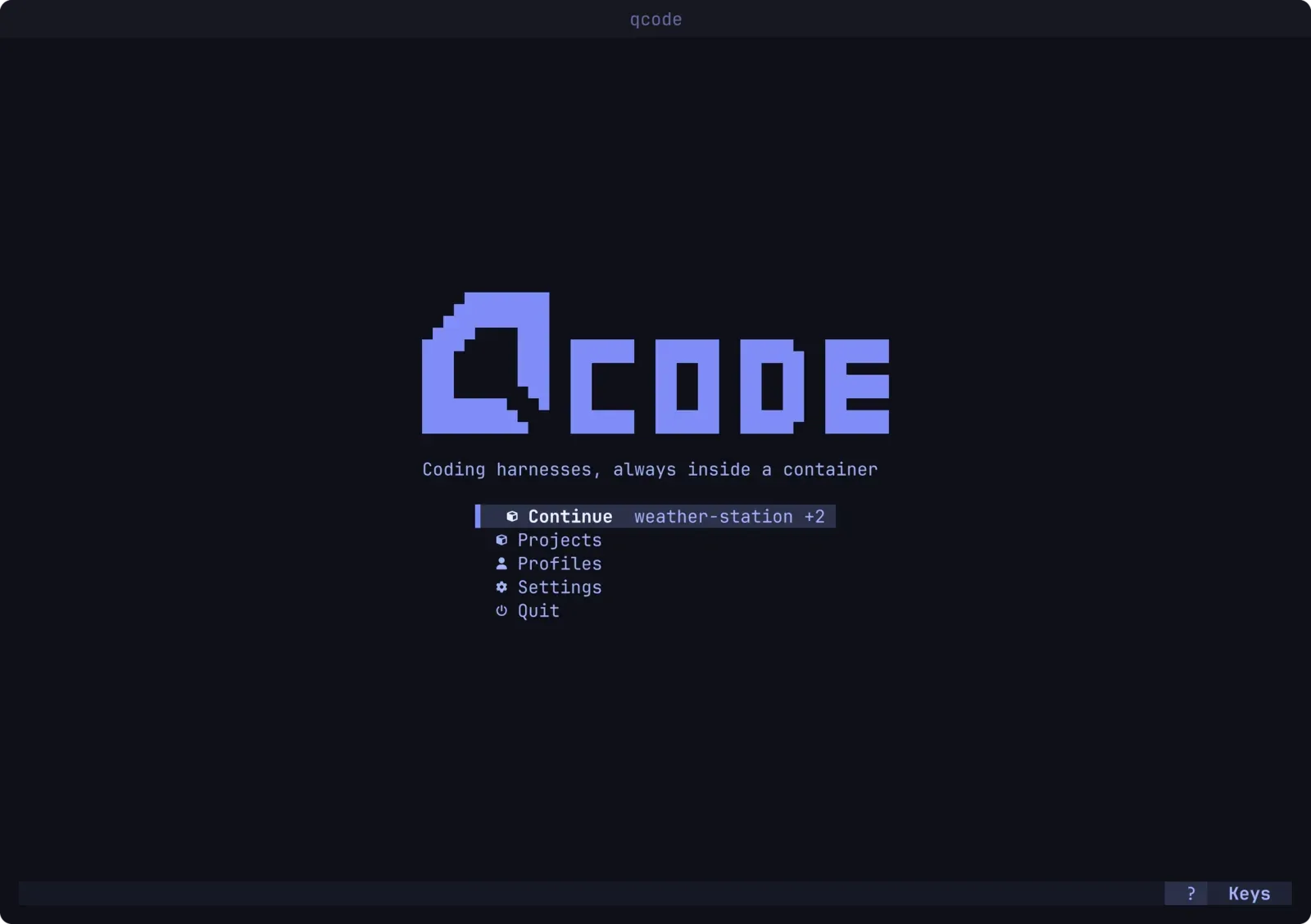
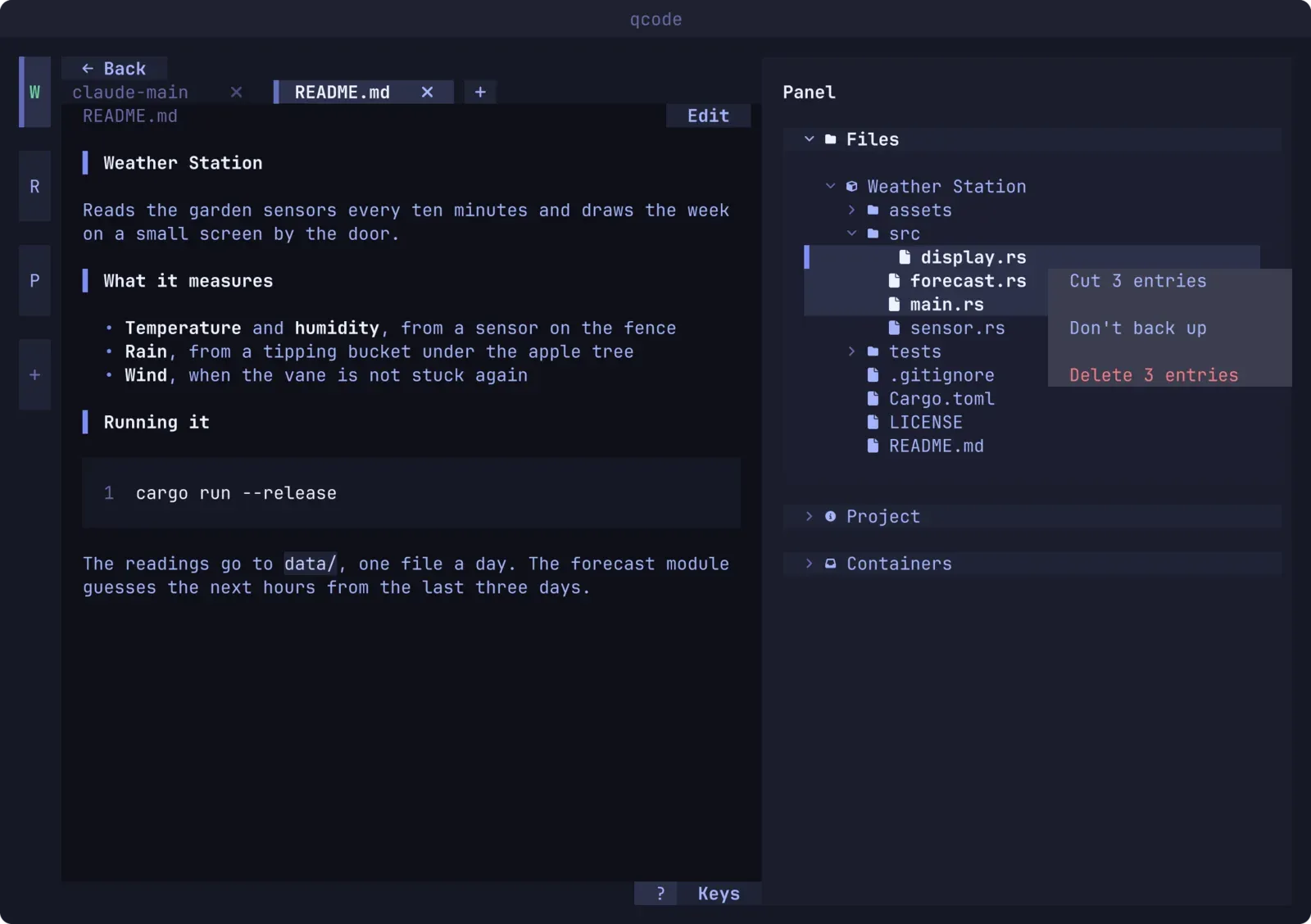
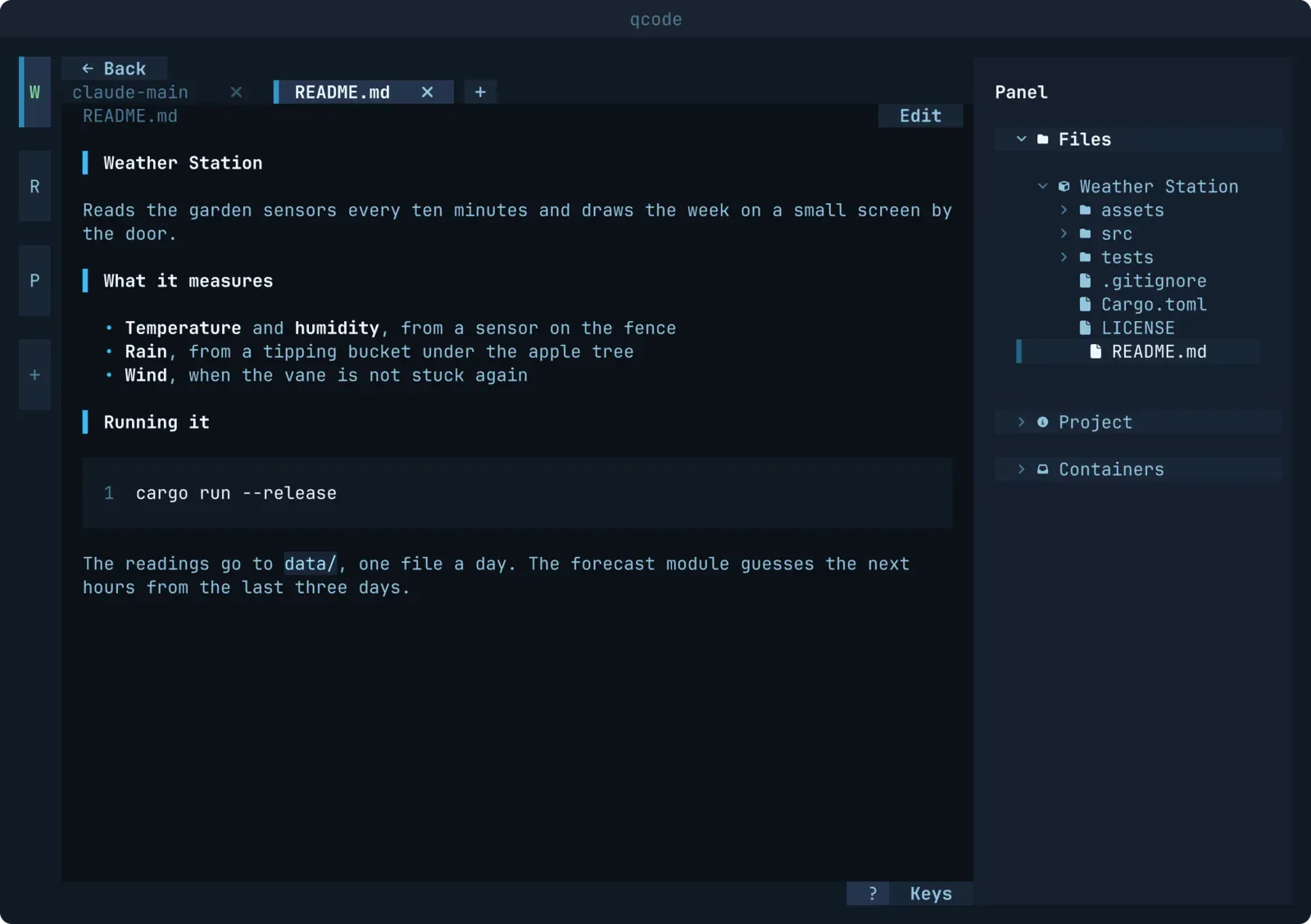
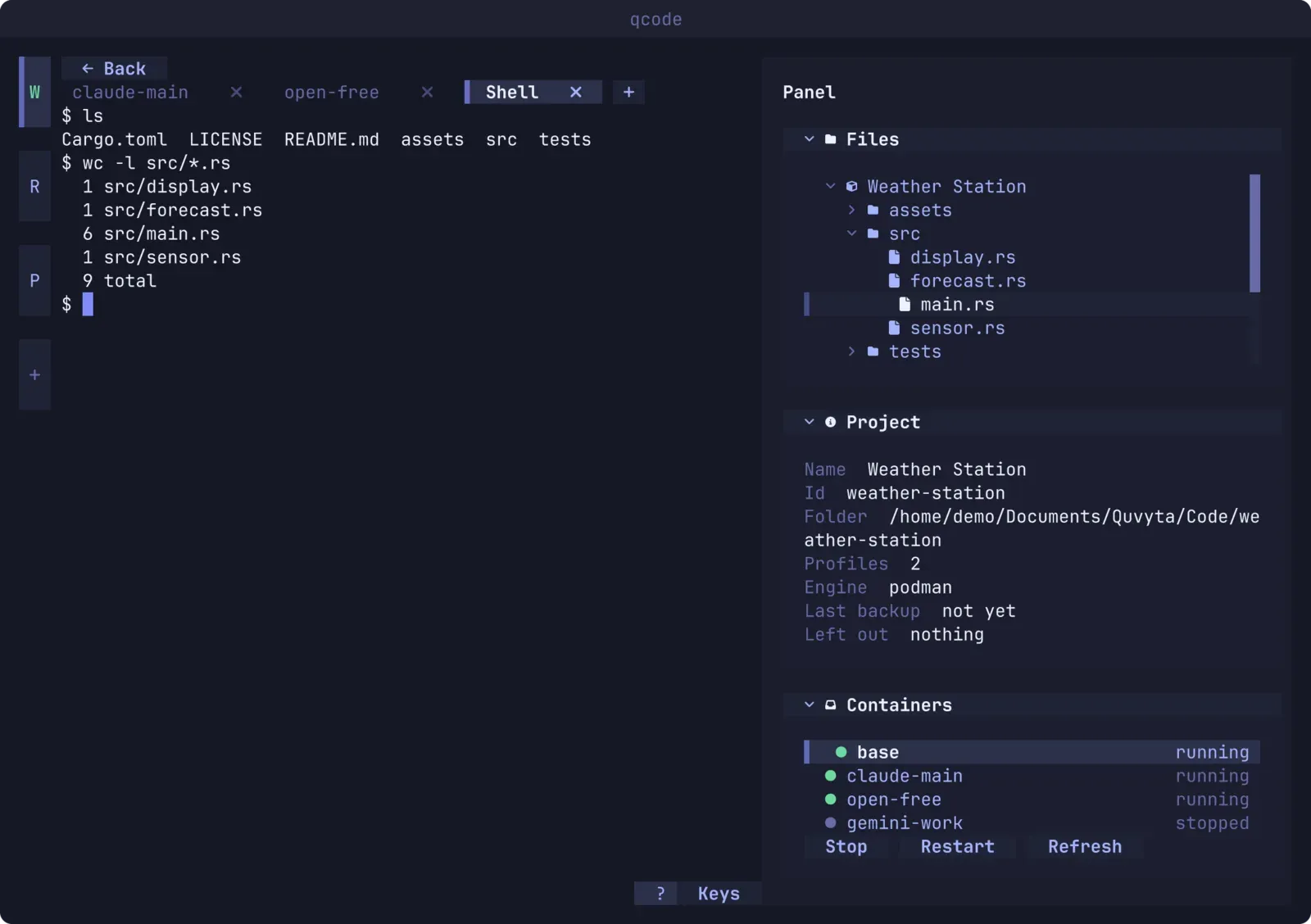
Set up a coding agent once, sign it in, and open it in any workspace in seconds. Agents and shells sit side by side as tabs, and everything an agent runs stays inside the project's container.
betagithub ↗
- Rust
- Podman
- Docker
- Claude Code
- Codex
notes
qcode started as a desktop IDE for multi-agent work and ended as a terminal application, which turned out to be the better shape: it runs anywhere I have a shell, including over SSH.
Each project gets its own container. Agents, shells and files open as tabs, the home screen restores the projects and tabs you had open, and when the last qcode window closes the containers it started are stopped too. The design goal is simple: an agent that goes wrong should damage a disposable filesystem, never the machine it runs on.
facts
- crate
- quvyta-code
- agents
- Claude Code · Codex · Gemini CLI · opencode
- isolation
- Podman / Docker containers
- built on
- quvyta-framework
Screenshots